8th Wall
For 8th Wall I created a simple AR experience where a 3D object appears when a specific image is scanned. I did this my creating an image tracker using a photograph of a cow – this was simply chosen at random and just for an exploration of the interface.
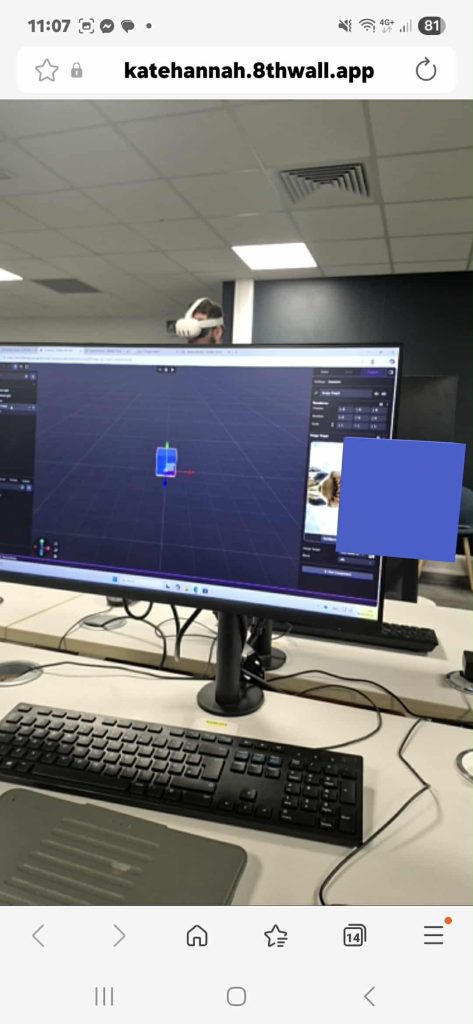
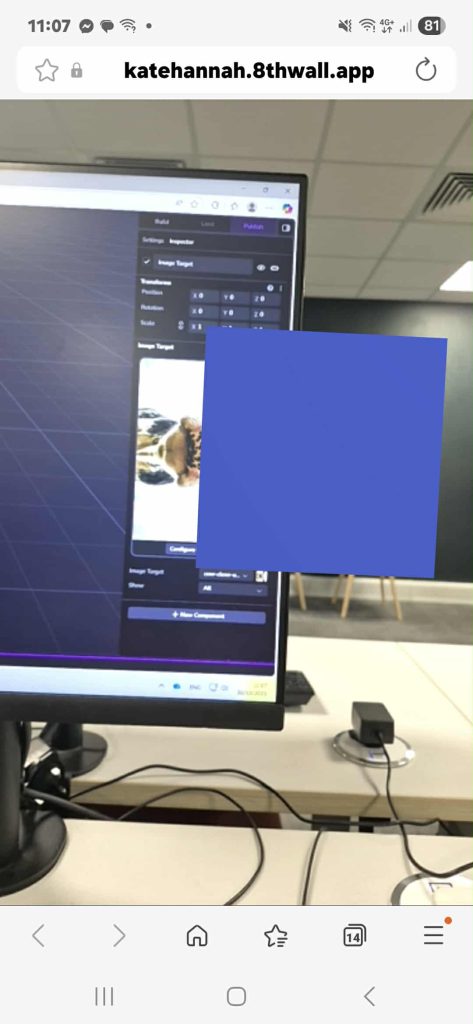
To the left here you can see screen shots of the 8th wall web address connected to a QR code generated by 8th wall.
These was my first basic attempt, they are simple but successful as when I placed my camera over the trigger image (cow) the cube appeared.
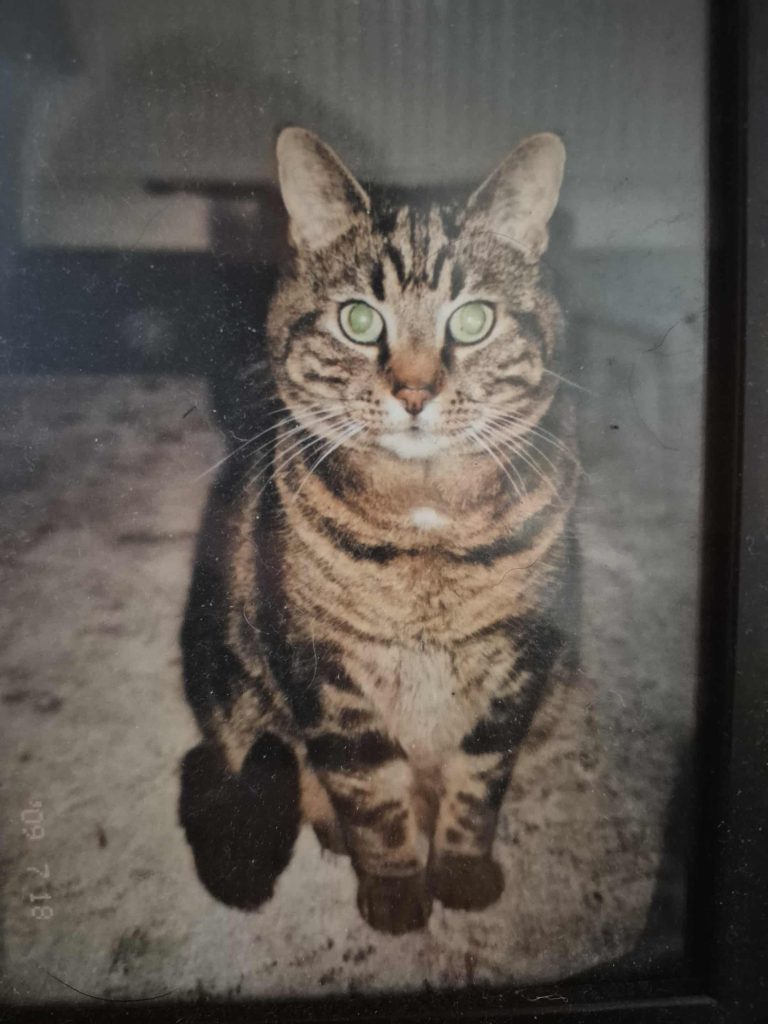
Next I wanted to imagine how I would use 8th wall in a real life scenario, So I decided to use an image that I have a physical and digital version of. As further down the line I may want a poster design or a flyer as a image target. Below I used a photo of my cat, to trigger a digital pink sphere and then I tested it away from the computer to see if the QR code URL was reliable.
Even though the above interaction is simple, it demonstrates how image tracking can anchor virtual content to real world images. Interaction in this prototype is minimal but intuitive. While the above model does not include tapping or rotation interactions, I demonstrate how users can naturally move around the image to view the sphere from different angles, exploring spatial depth in AR.
In future I could use this to create a more interactive interface, using a 3D model imported from blender or Maya. Below

To the left is a QR code that will lead the user to the URL that will allow them to scan an image.
I have included it for user testing and proof that the interface works.
Exploring
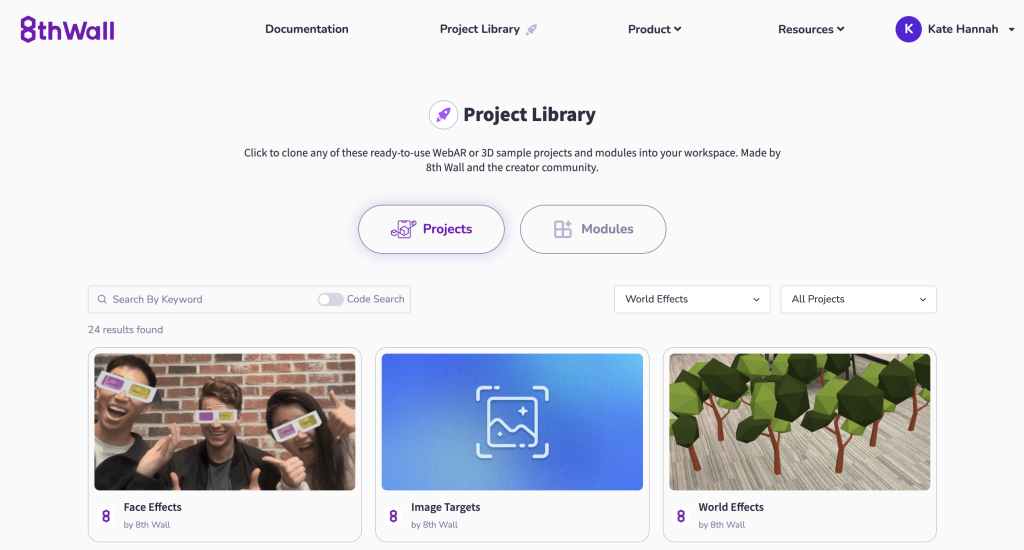
To gain a better insight into 8th wall and how I could adapt it to suit my personal needs I explored other users Projects, to try and gain inspiration and understanding using the 8th Wall Project Library.
(“Clone WebAR, AR, WebVR Sample Projects”)
Looking at other users’ AR projects helped me see how different visual styles, interactions can make experiences more engaging and intuitive. They also showed how adding animations, layering more complex 3D models, and providing clearer guidance for users can improve UX.
Next steps of experimentation for me include importing from Blender and potentially adding animations, or interactive features such as rotation, tapping, or pop-ups.
Scaniverse
Next in my experimentation, I used the Scaniverse app to scan my dog and generate a 3D model. The scan captured real-world surfaces and textures, which made the model feel more immersive. However, because she was alive and moving slightly, the final model wasnt as clear as id have liked. But this did highlight an important consideration for future scans: completely stationary objects may produce better results. After exploring the app, I decided to combine two programs by importing the 3D scan into 8thWall, allowing me to place and interact with the model in an AR environment.
Screen recording of Scaniverse app.
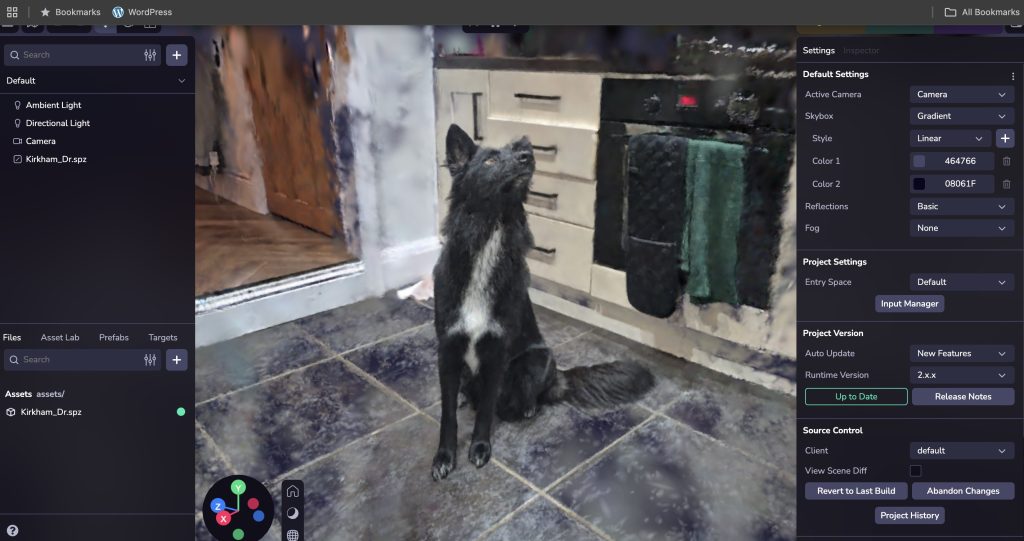
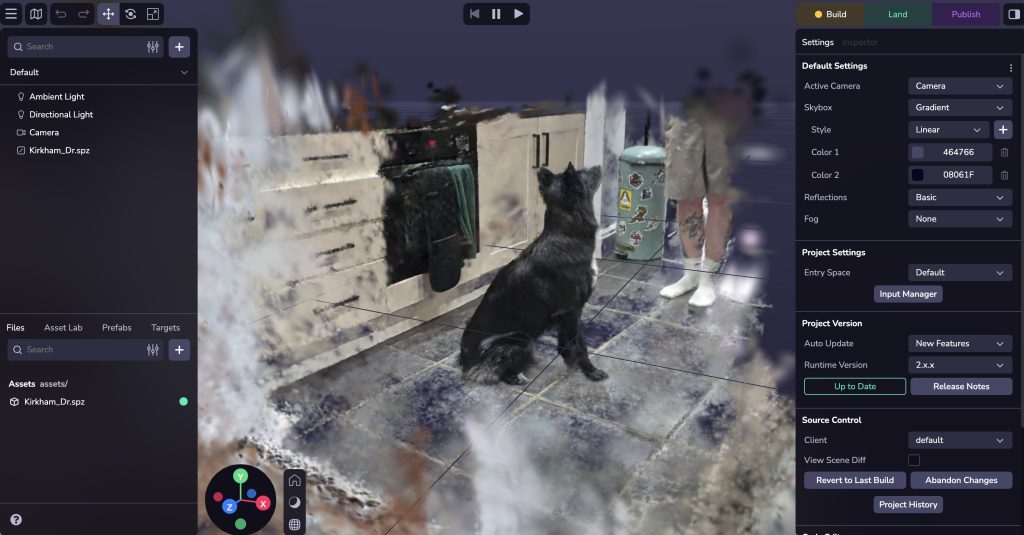
I feel importing a Scaniverse 3D scan into 8thWall could greatly enhance the user experience, making it possible to explore scanned models from different angles. This integration allows for intuitive, spatially accurate UX whilst the realism of the original scan is still felt, making AR experiences more engaging and informative.
Bib
“Clone WebAR, AR, WebVR Sample Projects.” 8th Wall, 2016, www.8thwall.com/projects?tech=World+Effects. Accessed 2 Nov. 2025.
https://youtube.com/shorts/7vJljnxdV34
https://youtube.com/shorts/jR5DE0SNcpU
https://youtube.com/shorts/O_-EAqrY4t0